APITable Getting Started
APITable is an API-oriented low-code platform for building collaborative apps . Once you're up and running, you'll find that APITable is the coolest project management tool you've ever used. Whether you're a solo entrepreneur or part of a large team, APITable can help you achieve your goals and increase productivity.
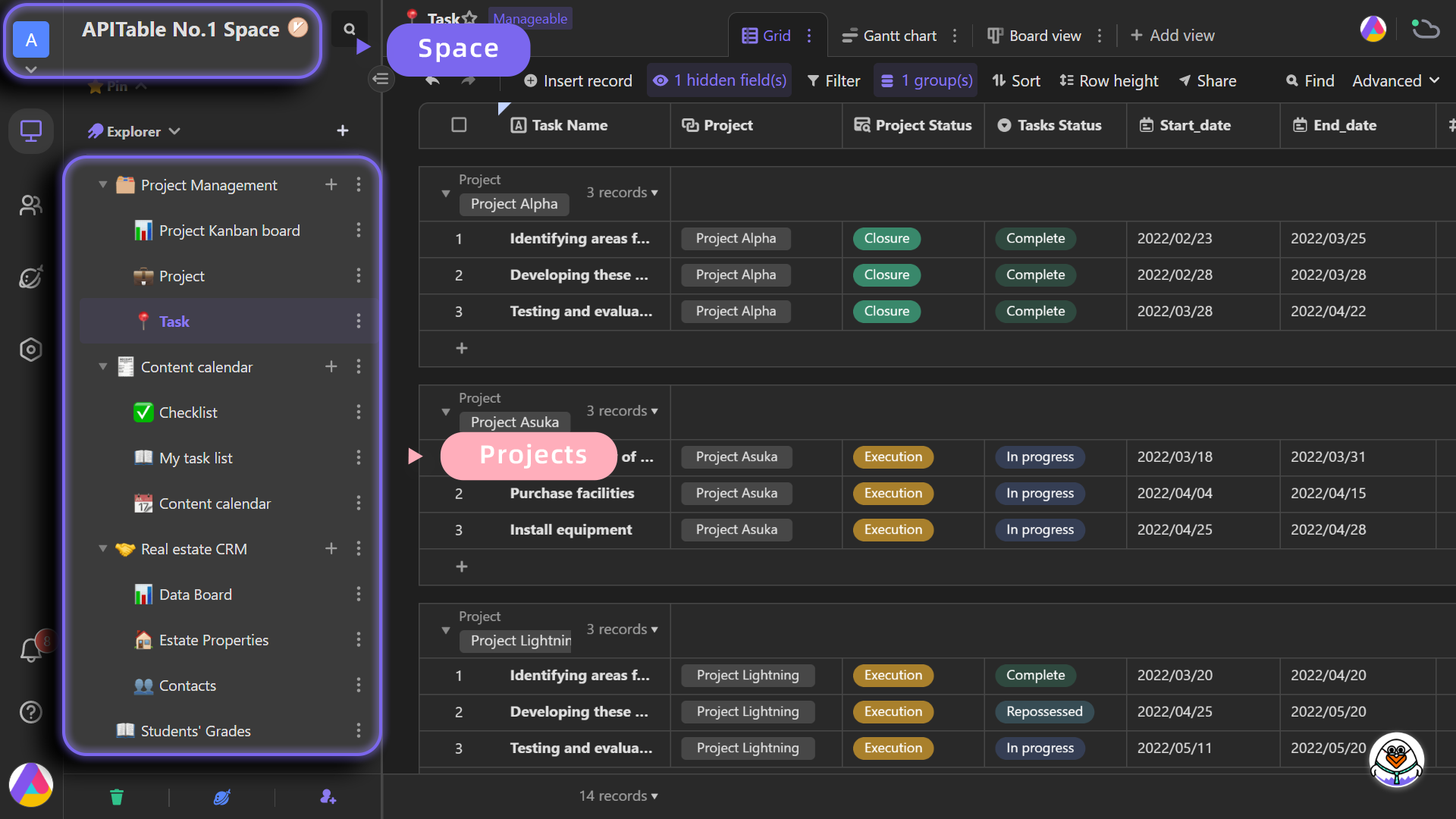
If you have installed Websoft9 APITable, the following steps is for your quick start
Preparation
- Get the Internet IP of your Server on Cloud
- Check your Inbound of Security Group Rule of Cloud Console to ensure the TCP:80 is allowed
- Connect your Server and get default username and password of APITable
- Complete Five steps for Domain if you want to use Domain for APITable
APITable Initialization
Steps for you
-
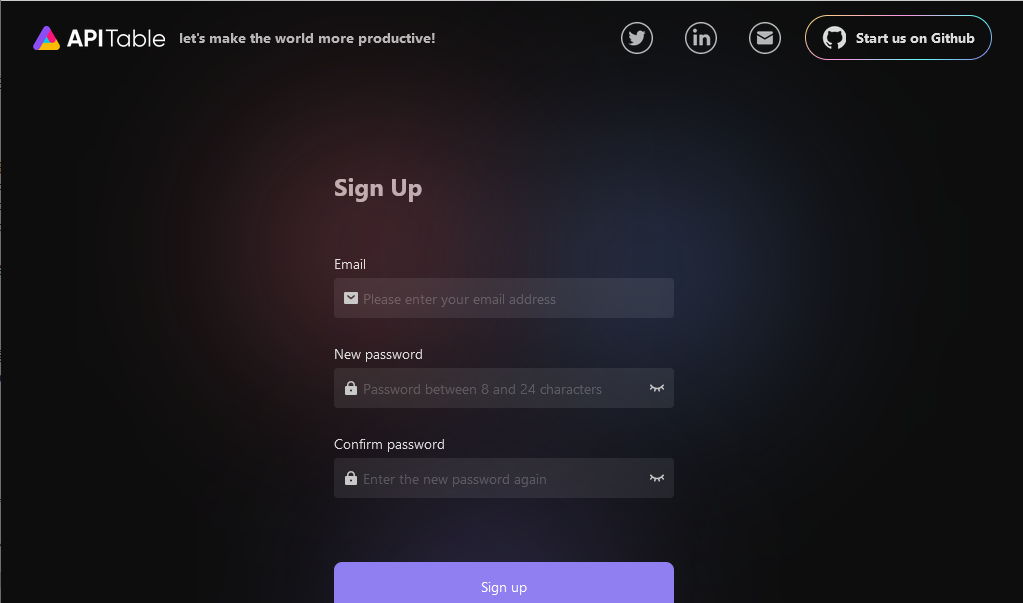
Using local browser to visit the URL http://DNS or http://Server's Internet IP, you will enter initial wizard of APITable
-
Register and log in to APITable
More useful APITable guide, please refer to:APITable Docs
Having trouble?
Below is for you to solve problem, and you can contact Websoft9 Support or refer to Troubleshoot + FAQ to get more.
APITable QuickStart
APITable provides tutorials
APITable Setup
Import and Export Data
- You can directly import a local Excel file into the APITable as a datasheet.
- You can edit and view data more quickly and efficiently by using the APITable. Additionally, it is supported that exporting APITable data to Excel files.
Form
Forms can be used to quickly collect information and synchronously save and organize the data results. You can use a form to collect product requirements and contacts, track sale progress, etc.
Dashboad
The dashboard is a new file type, it is like a container, and you can add a variety of widgets to it, thus extending more capabilities to the data.For example, adding multiple "chart" widgets can quickly expand data visualization capabilities, and build beautiful business charts in a few minutes.
Reference sheet
The below items and General parameter sheet is maybe useful for you manage APITable
Run docker ps, view all containers when APITable is running:
CONTAINER ID   IMAGE                                      COMMAND                  CREATED          STATUS                    PORTS                                                                  NAMES
c1dd6d335b10   apitable/openresty:latest                  "/usr/bin/openresty …"   33 minutes ago   Up 31 minutes             0.0.0.0:9001->80/tcp, :::9001->80/tcp                                  apitable
0ee1201d2829   apitable/backend-server:latest             "java -Djava.securit…"   33 minutes ago   Up 32 minutes (healthy)   8081/tcp                                                               apitable-backendserver
76b992ee1d74   apitable/room-server:latest                "/start-agenthub.sh …"   33 minutes ago   Up 33 minutes             3001-3002/tcp, 3005-3007/tcp, 3333-3334/tcp                            apitable-roomserver
0fd5f8905d13   rabbitmq:3.11.9-management                 "docker-entrypoint.s…"   33 minutes ago   Up 33 minutes             4369/tcp, 5671-5672/tcp, 15671-15672/tcp, 15691-15692/tcp, 25672/tcp   apitable-rabbitmq
9ff890d3b6c4   apitable/web-server:latest                 "docker-entrypoint.s…"   33 minutes ago   Up 33 minutes             8080/tcp                                                               apitable-webserver
dabbd022bebe   apitable/imageproxy-server:latest          "/bin/sh -c './app/i…"   33 minutes ago   Up 33 minutes             8080/tcp                                                               apitable-imageproxyserver
133a7aff674e   minio/minio:RELEASE.2023-01-25T00-19-54Z   "/usr/bin/docker-ent…"   33 minutes ago   Up 33 minutes (healthy)   9000/tcp                                                               apitable-minio
6402cc3feae0   mysql:8.0.32                               "docker-entrypoint.s…"   33 minutes ago   Up 33 minutes (healthy)   3306/tcp, 33060/tcp                                                    apitable-db
98165163f373   redis:7.0.8                                "docker-entrypoint.s…"   33 minutes ago   Up 33 minutes             6379/tcp                                                               apitable-redis
Path
APITable installation directory: /data/apps/apitable
APITable data directory: /data/apps/apitable/data
Port
No special port
Version
sudo docker exec -it apitable-webserver sed -n '3p' package.json
Service
sudo docker start | stop | restart | stats apitable
sudo docker start | stop | restart | stats apitable-backendserver
sudo docker start | stop | restart | stats apitable-roomserver
sudo docker start | stop | restart | stats apitable-rabbitmq
sudo docker start | stop | restart | stats apitable-webserver
sudo docker start | stop | restart | stats apitable-imageproxyserver
sudo docker start | stop | restart | stats apitable-minio
sudo docker start | stop | restart | stats apitable-redis