Metabase Maintenance
This chapter is special guide for Metabase maintenance and settings. And you can refer to Administrator and Steps after installing for some general settings that including: Configure Domain, HTTPS Setting, Migration, Web Server configuration, Docker Setting, Database connection, Backup & Restore...
Maintenance guide
Backup and Restore
Upgrade
Follow the steps below to complete the upgrade:
-
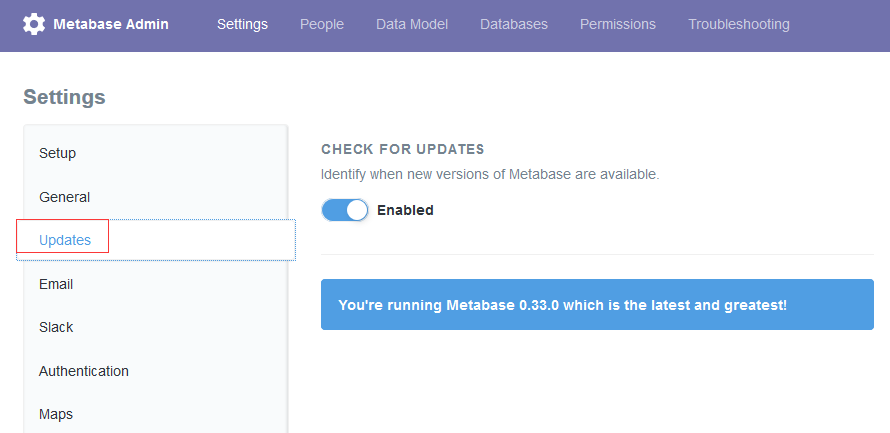
Log in Metabase, go to Admin->Setting->Updates, the system will give you a reminder if there is a new upgrade package
-
Click the Upgrade button, go to the Metabase Install page
-
The deployment package we provide is in the jar package installation mode, so on the installation page we select the Custom install mode.

-
Download teh Metabase.jar pakage and upload to your instance's directory
/data/wwwroot/metabase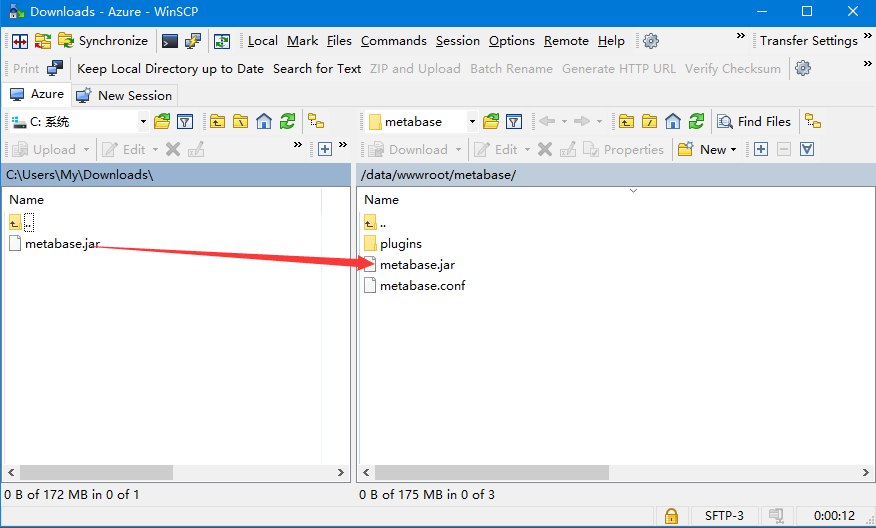
-
Overwrite existing files and reload the Metabase
Troubleshoot
In addition to the Metabase issues listed below, you can refer to Troubleshoot + FAQ to get more.
FAQ
Metabase support multi-languages?
Yes