System settings
Sign in to your Websoft9 instance as an administrator, on the left sidebar select Settings >System Setting
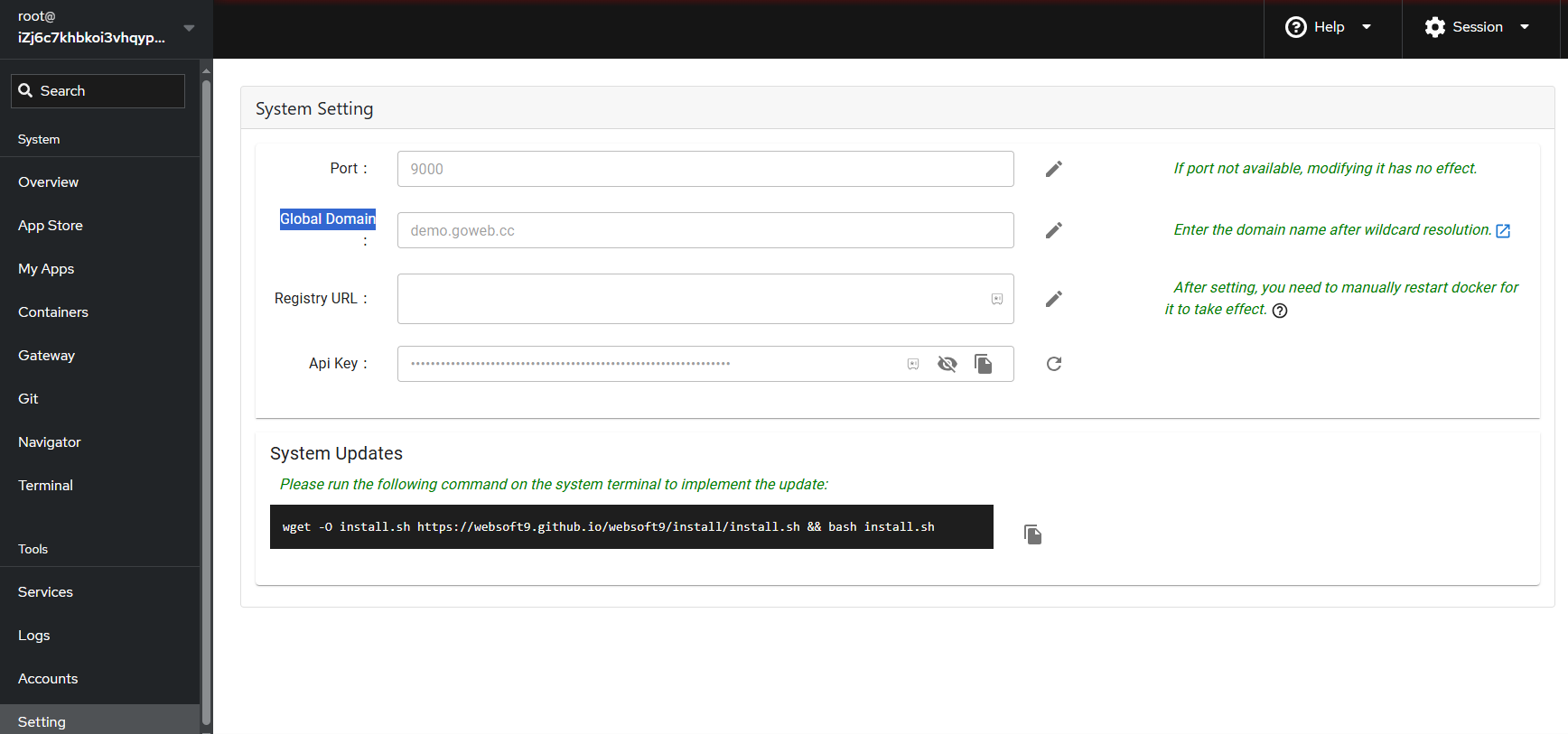
Websoft9 Console port
This sets the access port for the Websoft9 Console, which defaults to 9000.
If you change it, you need to make sure that the port corresponding to the security group is open.
Global domain
The global domain for Websoft9, it uses wildcard DNS, enabling all applications to share one domain.
Detail refer to: Set Global domains for Websoft9
Registry URL
Add your docker registry-mirrors for this settings
API Key
Click Reset button to create API key of Websoft9
SMTP
The next release has plan