Sakai Getting Started
Sakai ,中文名“赛课”,它是一个 100% 开源的在线学习系统。它被广泛用于学习、教学、研究和协作。
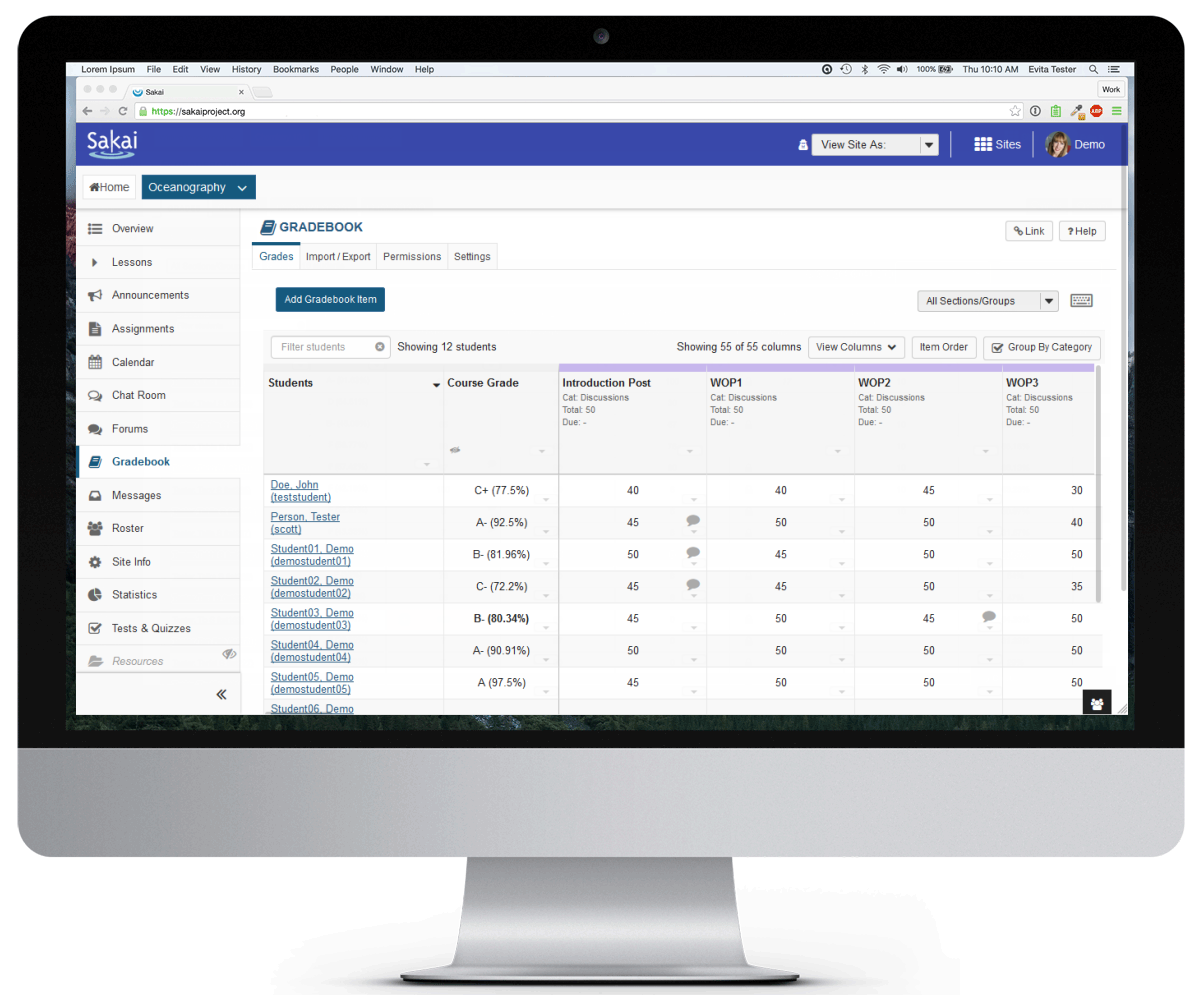
If you have installed Websoft9 Sakai, the following steps is for your quick start
Preparation
- Get the Internet IP of your Server on Cloud
- Check your Inbound of Security Group Rule of Cloud Console to ensure the TCP:80 is allowed
- Get default username and password of Sakai
- Complete Five steps for Domain if you want to use Domain for Sakai
Sakai Initialization
Steps for you
-
使用本地电脑的 Chrome 或 Firefox 浏览器访问网址:http://公网ip/portal/
-
输入账号和密码(查看),登录
Having trouble?
Below is for you to solve problem, and you can contact Websoft9 Support or refer to Troubleshoot + FAQ to get more.
Sakai QuickStart
下面以 使用 Sakai 构建学习管理系统 作为一个任务,帮助用户快速入门:
Sakai Setup
Reference sheet
The below items and General parameter sheet is maybe useful for you manage Sakai
通过运行docker ps,可以查看到 Sakai 运行时所有的 Container:
CONTAINER ID IMAGE COMMAND CREATED STATUS PORTS NAMES
Path
Sakai installation directory:/usr/local/tomcat/webapps
Sakai 配置目录: /usr/local/tomcat/sakai/sakai.properties
Port
| Port | Use | Necessity |
|---|---|---|
| 8080 | Sakai original port | Optional |
Version
sudo cat /data/logs/install_version.txt
Service