Chronograf
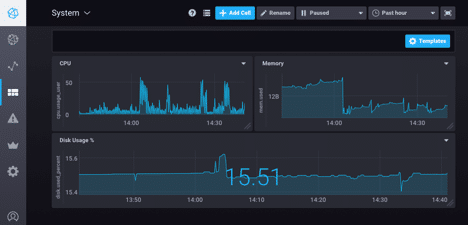
Chronograf is InfluxDB user interface and administrative, used for Time Series Database Device Management and Monitor . Chronograf is the user interface and administrative component of the InfluxDB 1.x platform.
Prepare
When referring to this document to use Chronograf, please read and ensure the following points:
-
Login to Websoft9 Console and find or install Chronograf:
- Go to My Apps listing applications
- Go to App Store installing target application
-
This application is installed by Websoft9 console.
-
The purpose of this application complies with the MIT open source license agreement.
-
Configure the domain name or server security group opens external network ports for application access.
Getting started
Connect to InfluxDB
The following is an example of how to connect to InfluxDB 2.x:
-
Prepare InfluxDB 2.x
-
Access Chronograf and create a new InfluxDB connection. In the InfluxDB v2 Auth section, fill in the following parameters:
- Connection URL: The access URL for your InfluxDB instance.
- Connection Name: Your preferred name for this connection.
- Organization: The organization associated with your InfluxDB account (required).
- Token: The authentication token for InfluxDB.
Configuration options
- Connect to multiple databases (√)
- Supported InfluxDB versions: InfluxDB 1.x, InfluxDB 2.x