Penpot
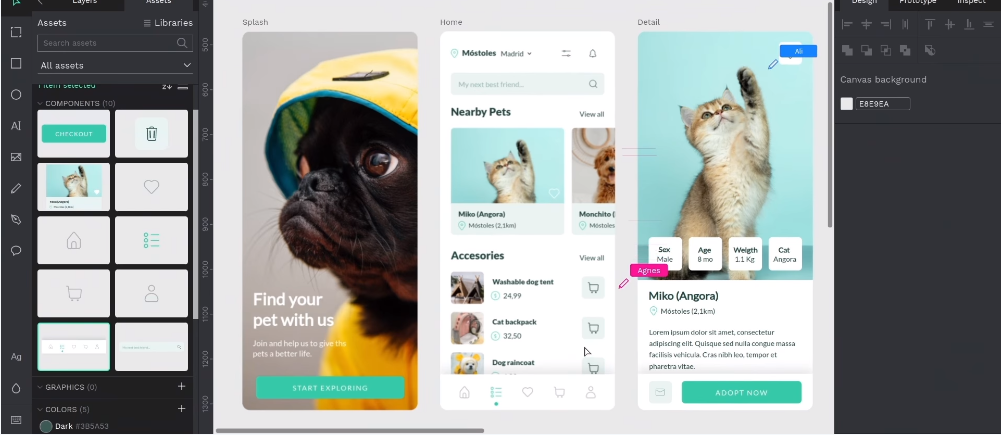
Penpot is Design & Prototype platform, Figma open source alternative, used for Digital creativity . Penpot is the only design & prototype platform that is deployment agnostic. You can use it or deploy it anywhere.
Prepare
When referring to this document to use Penpot, please read and ensure the following points:
-
Login to Websoft9 Console and find or install Penpot:
- Go to My Apps listing applications
- Go to App Store installing target application
-
This application is installed by Websoft9 console.
-
The purpose of this application complies with the MPL-2.0 open source license agreement.
-
Configure the domain name or server security group opens external network ports for application access.
Getting Started
Initial Setup
After installing Penpot via the Websoft9 Console, retrieve the application's Overview and Access information from My Apps.
Configuration Options
Administration
Troubleshooting
The cover image of a project cannot be displayed?
Description: When accessing Penpot using IP:Port, the cover image of the created project cannot be displayed.
Reason: The application environment variable PENPOT_PUBLIC_URI does not contain a port.
Can't complete first time user registration?
Ensure the backend container environment variable PENPOT_FLAGS contains: disable-secure-session-cookies.