Redis
Redis is An open source, advanced key-value store, used for In-memory Database . Redis is an open source, advanced key-value store
Prepare
When referring to this document to use Redis, please read and ensure the following points:
-
Login to Websoft9 Console and find or install Redis:
- Go to My Apps listing applications
- Go to App Store installing target application
-
This application is installed by Websoft9 console.
-
The purpose of this application complies with the redis open source license agreement.
-
Configure the domain name or server security group opens external network ports for application access.
Getting Started
Initial Setup
- After completing the installation of Redis in the Websoft9 Console, retrieve the application's Overview and Access information from My Apps.
Connectivity Usage
There are two ways to verify Redis availability:
- Enter the Redis container's command line mode and run
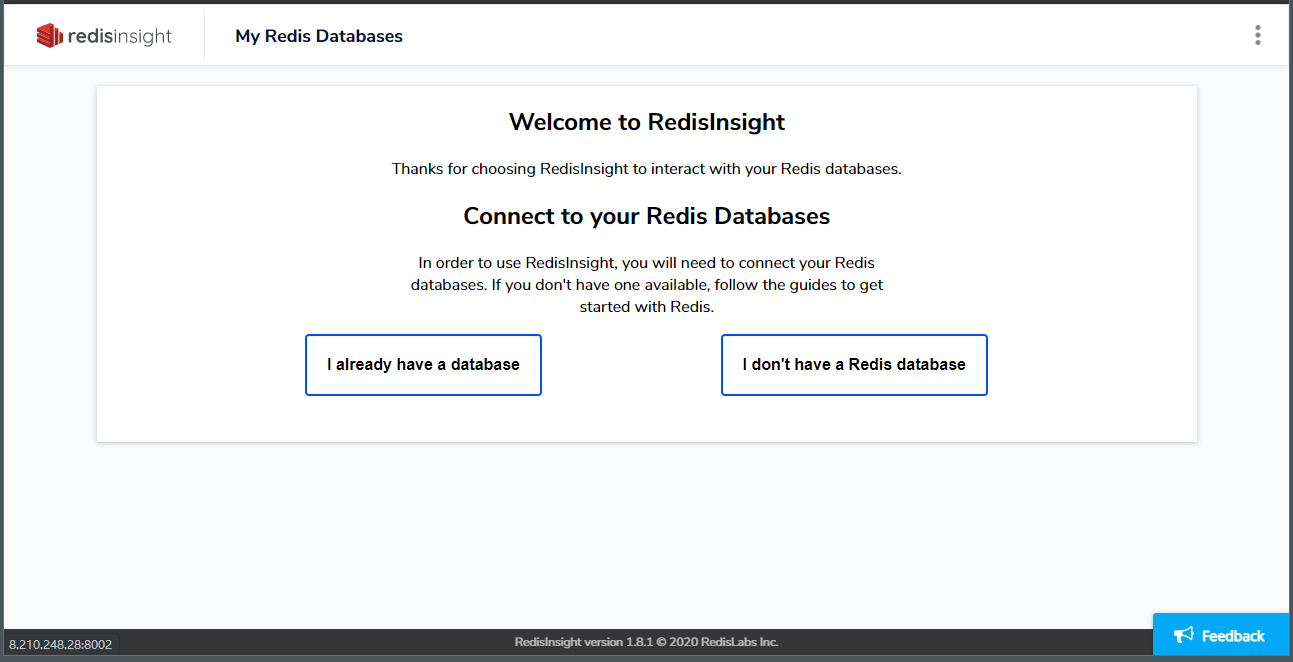
redis-clifor interactive use. - Install Redis Insight via the Websoft9 console, then use it to connect to Redis.
Configuration Options
- Data Persistence: Enabled by default.
- Extranet Access: Already enabled with the
-bind 0.0.0.0setting in the container command. - ACL Authentication: Enabled by default.
- Redis API
- Redis-CLI: Use
redis-cli helpfor command reference. - Configuration File: This application lacks a configuration file by default. To modify settings, go to My Apps > Compose > Go to Edit Repository > docker-compose.yml and configure using the command directive.
Administration
- Resetting Password: Enter the Redis container's CML mode, run
redis-clito start the interactive shell, and then use the following command to reset the password:CONFIG SET requirepass "newpassword"