PMM
PMM is Percona Monitoring and Management, used for Database Management Tools . Percona Monitoring and Management is an open-source database monitoring, management, and observability solution for MySQL, PostgreSQL, and MongoDB.
Prepare
When referring to this document to use PMM, please read and ensure the following points:
-
Login to Websoft9 Console and find or install PMM:
- Go to My Apps listing applications
- Go to App Store installing target application
-
This application is installed by Websoft9 console.
-
The purpose of this application complies with the AGPL-3.0 open source license agreement.
-
Configure the domain name or server security group opens external network ports for application access.
Getting started
Connect to the database
-
After completing the installation of PMM via the Websoft9 Console, retrieve the application's Overview and Access information from My Apps.
-
Log in to the PMM console.
-
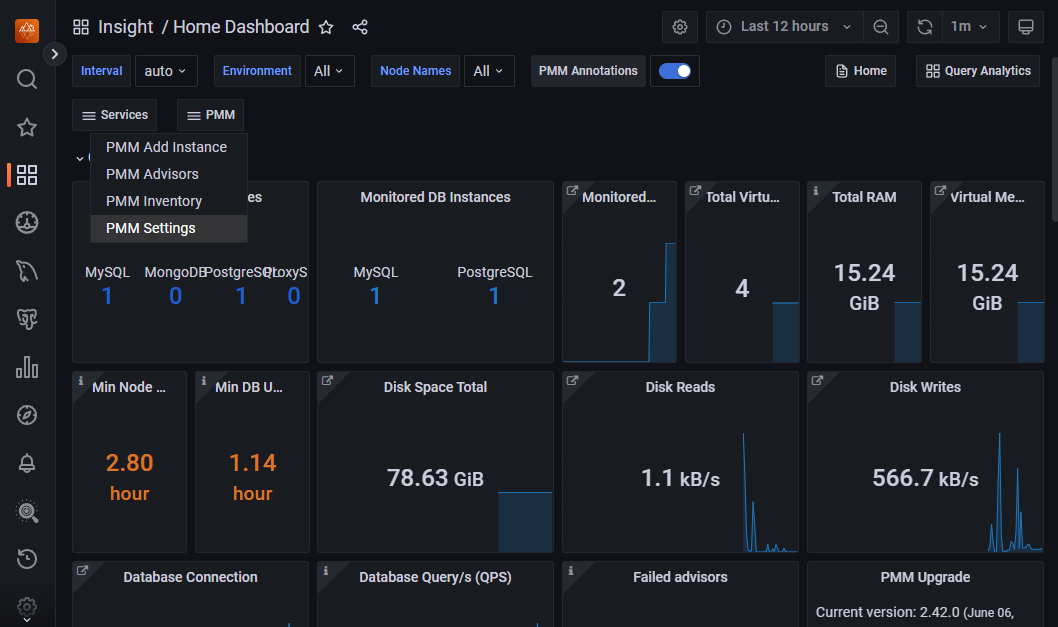
Click PMM > PMM Add Instance to start adding your database.
Configuration options
- Multilingual (✅)