RethinkDB
RethinkDB is A NoSQL database that stores schemaless JSON documents, used for NoSQL Database . RethinkDB is a NoSQL database that stores schemaless JSON documents.
Prepare
When referring to this document to use RethinkDB, please read and ensure the following points:
-
Login to Websoft9 Console and find or install RethinkDB:
- Go to My Apps listing applications
- Go to App Store installing target application
-
This application is installed by Websoft9 console.
-
The purpose of this application complies with the apache2 open source license agreement.
-
Configure the domain name or server security group opens external network ports for application access.
Getting Started
Initial Setup
-
After completing the installation of RethinkDB in the Websoft9 Console, retrieve the application's Overview and Access information from My Apps.
- The username and password displayed are for the database account, not the console account.
- The console does not require account authentication.
-
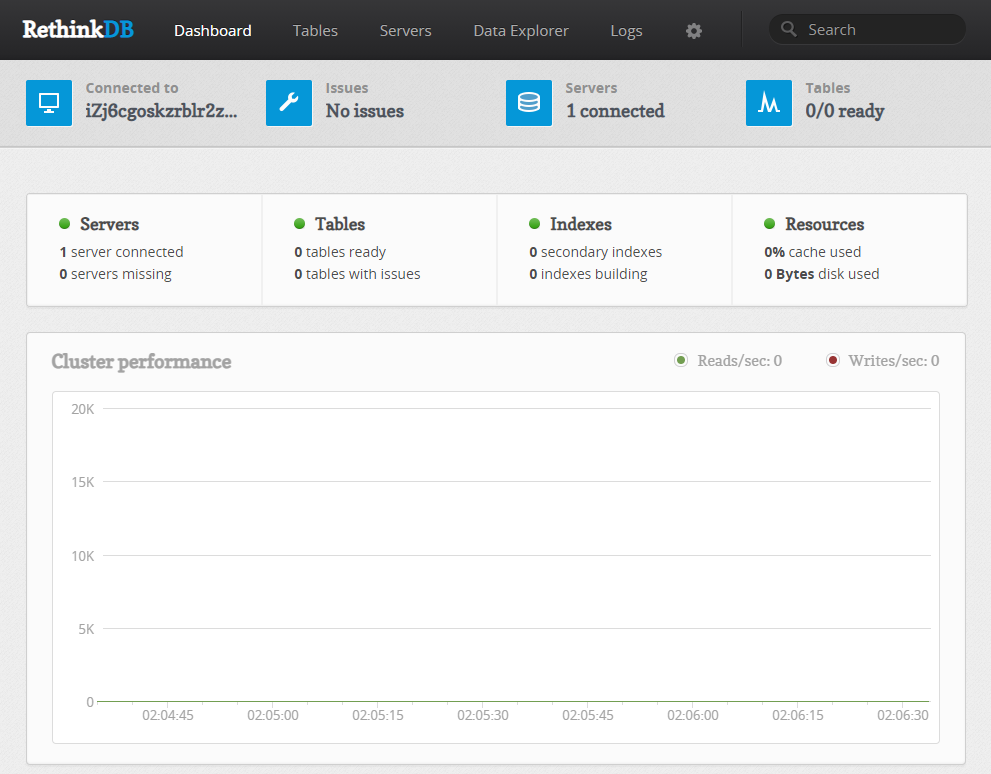
Use a browser on your local computer to access the RethinkDB console:
Running Commands in Data Explorer
Most operations can be performed by running ReQL commands directly in the Data Explorer interface of the console:
- Change password:
r.db('rethinkdb').table('users').get('admin').update({password: 'newpassword'}) - Clear password:
r.db('rethinkdb').table('users').get('admin').update({password: ''}) - Add a user:
r.db('rethinkdb').table('users').insert({
    id: 'new_username',
    password: 'new_password'
})
Configuration Options
-
Server CLI:
rethinkdb -h -
Backup and Restore:
rethinkdb export abc.dbrethinkdb dump [options]rethinkdb import -d [options]
-
Client Command Line: The client CLI is not provided, only the development package is available RethinkDB client drivers.
-
Configuration File:
- Input personalized configuration through commands in the docker-compose.yml file (recommended).
- Container path:
/etc/rethinkdb/instances.d/instance.conffor the instance configuration file.
-
Query Language: ReQL