Rocket.Chat
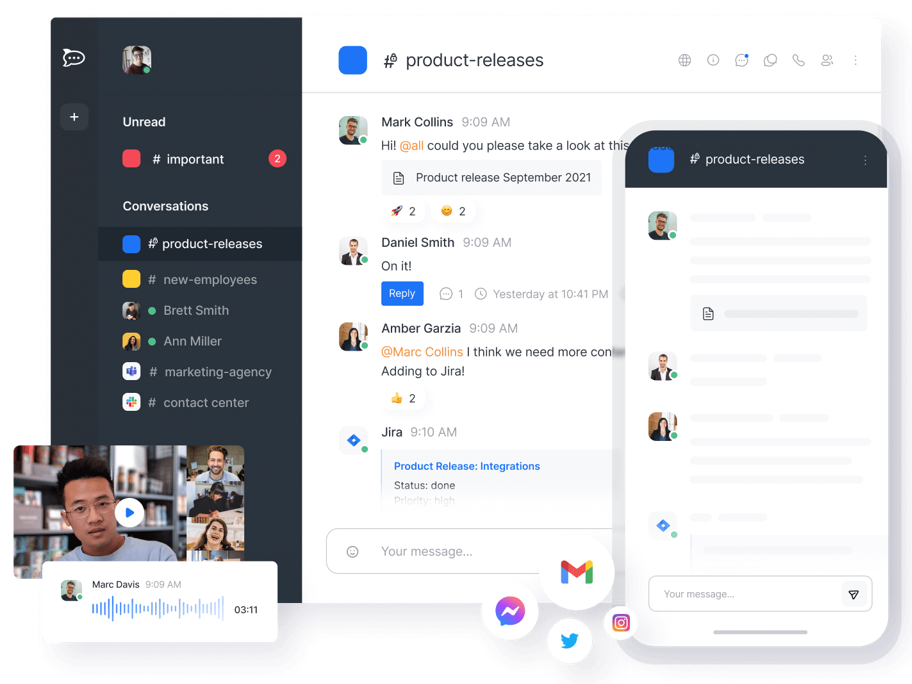
Rocket.Chat is The ultimate Free Open Source Solution for team communications, used for Chat Support & Customer Success . Rocket.Chat is an open-source fully customizable communications platform developed in JavaScript for organizations with high standards of data protection.
Prepare
When referring to this document to use Rocket.Chat, please read and ensure the following points:
-
Login to Websoft9 Console and find or install Rocket.Chat:
- Go to My Apps listing applications
- Go to App Store installing target application
-
This application is installed by Websoft9 console.
-
The purpose of this application complies with the MIT open source license agreement.
-
Configure the domain name or server security group opens external network ports for application access.
Getting Started
Initial Setup
-
After completing the installation of Rocket.Chat in the Websoft9 Console, retrieve the application's Overview and Access information from My Apps.
-
Use a browser on your local computer to visit the URL and access the initialization page.
-
Follow the guide to create: Administrator Account, Organization, and Workspace, etc.
-
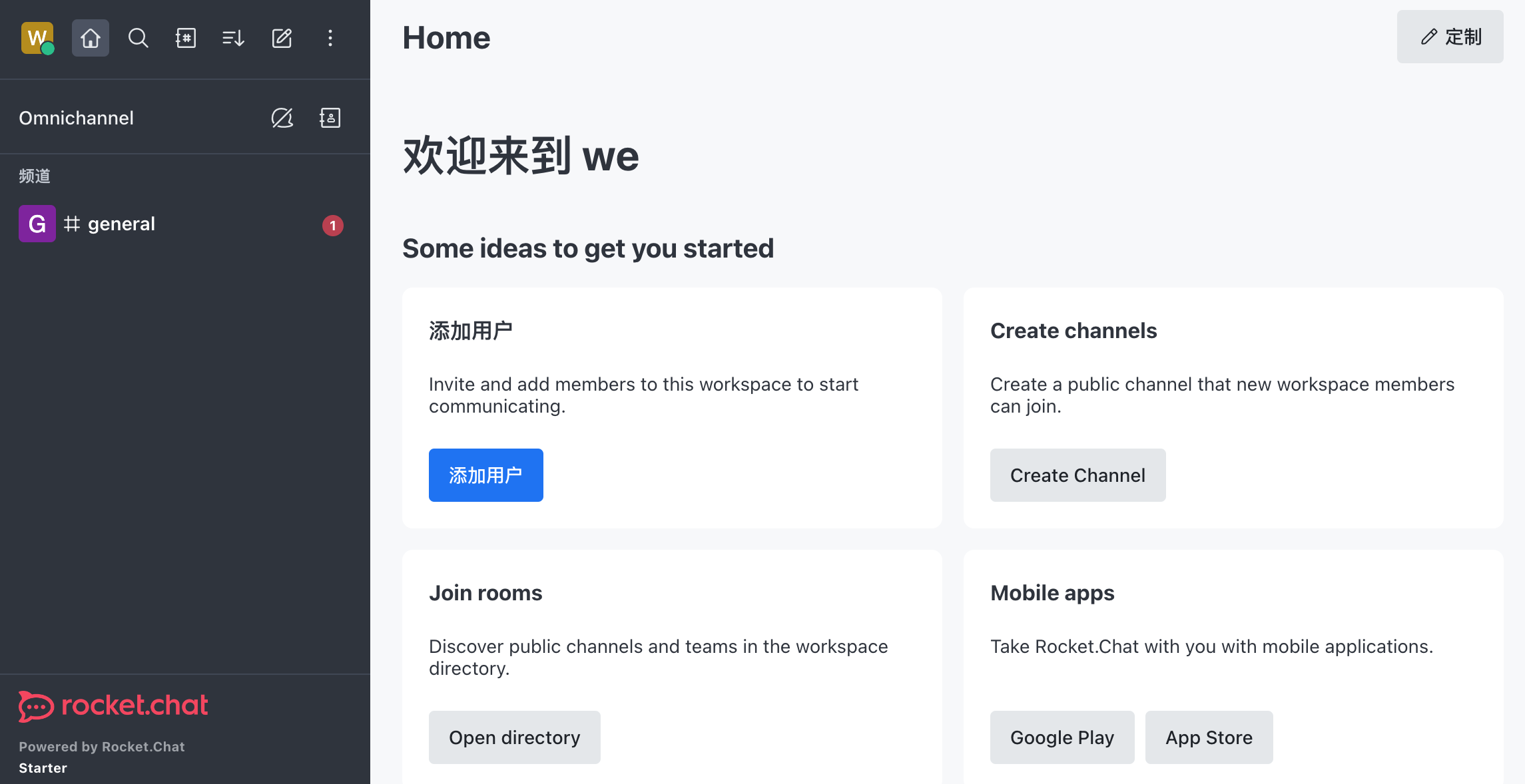
After verifying the Workspace email address, go to the backend.
Configuration Options
- SMTP (✅): Console Administration > Workspace > Settings > Email > SMTP